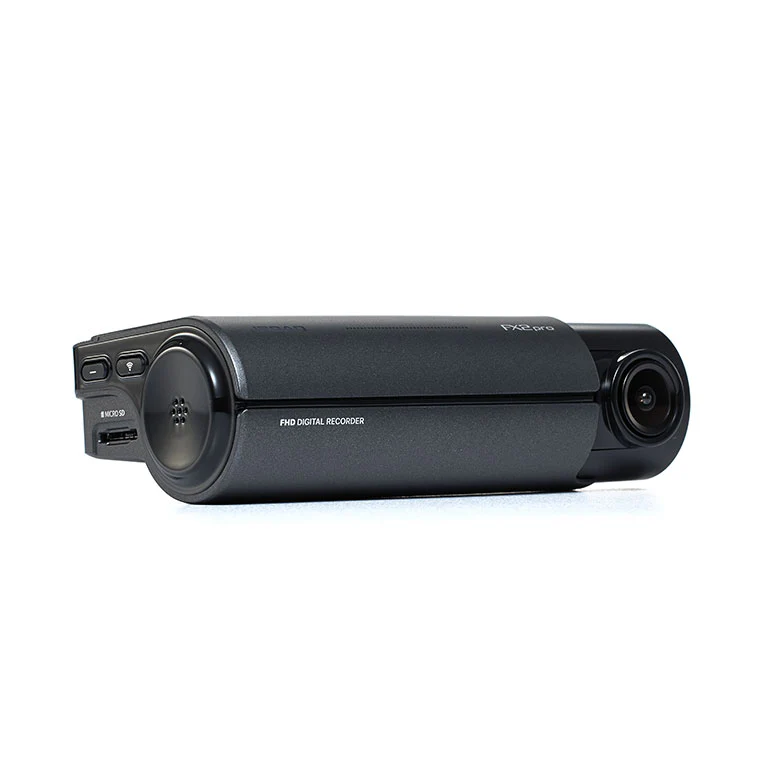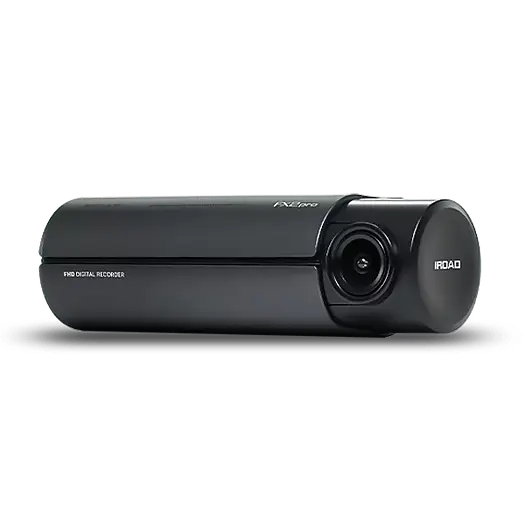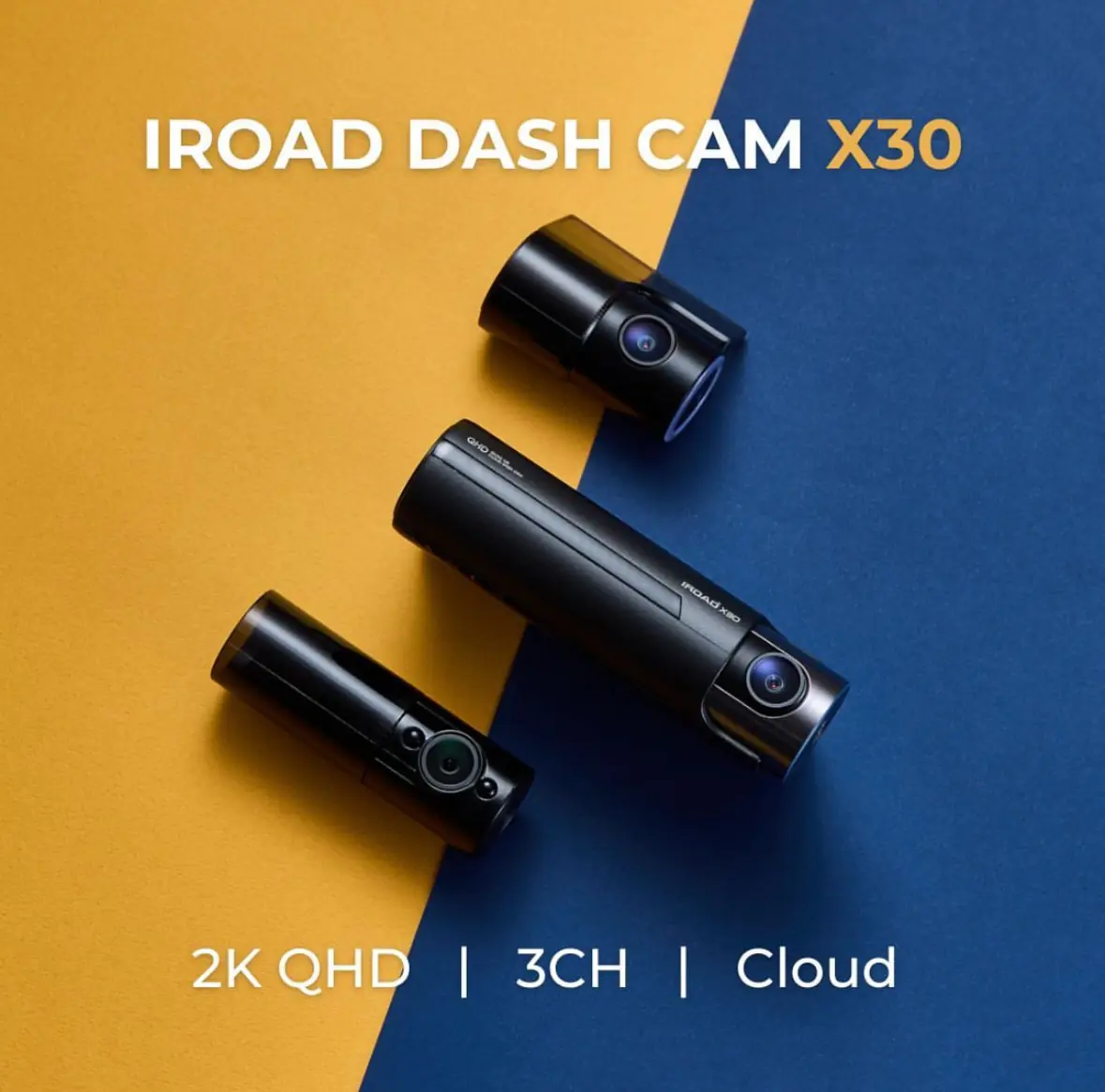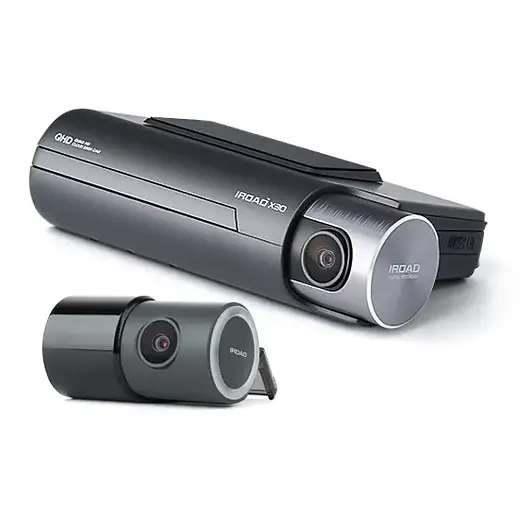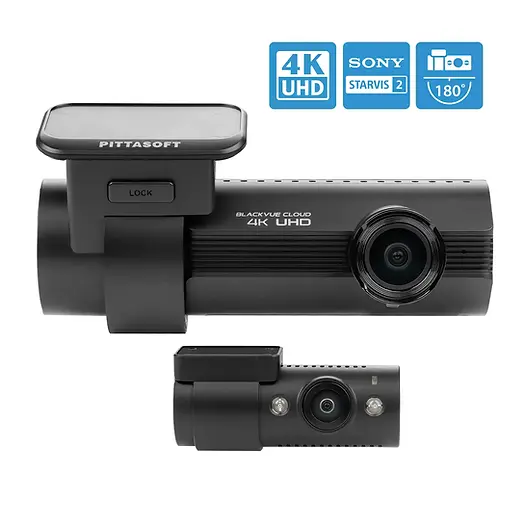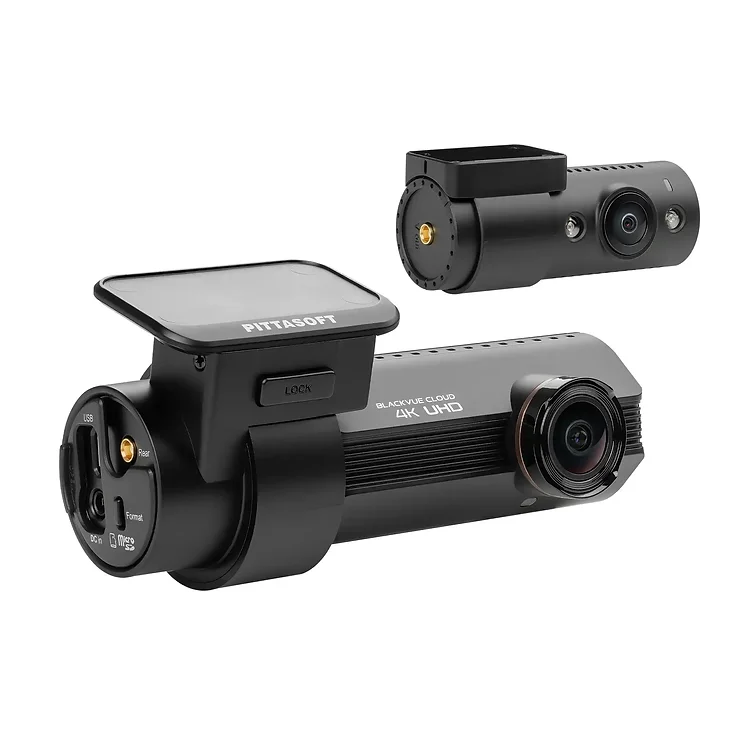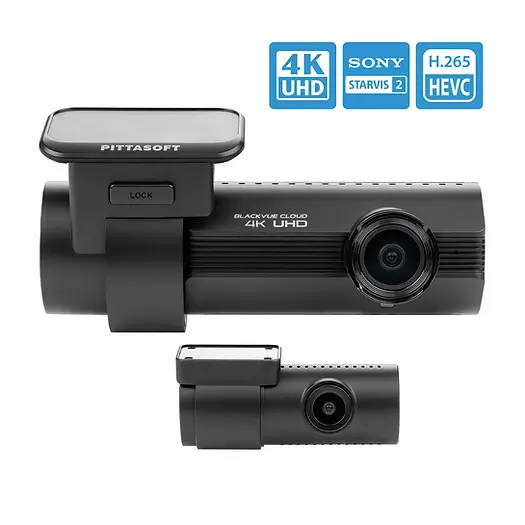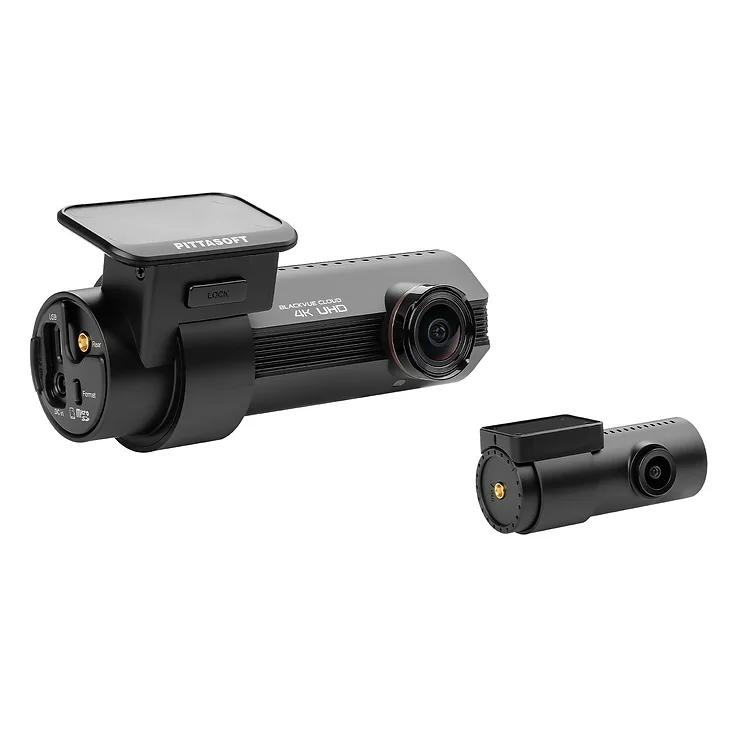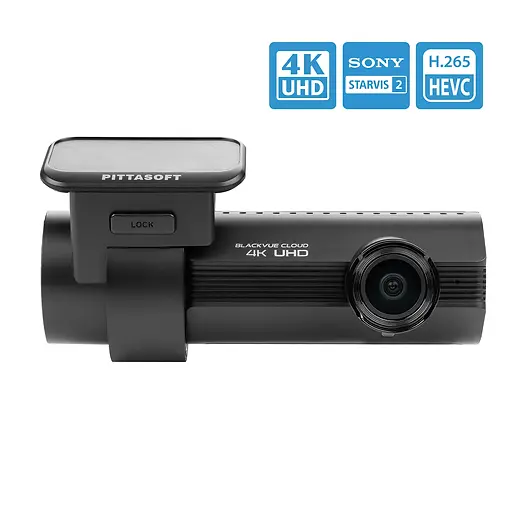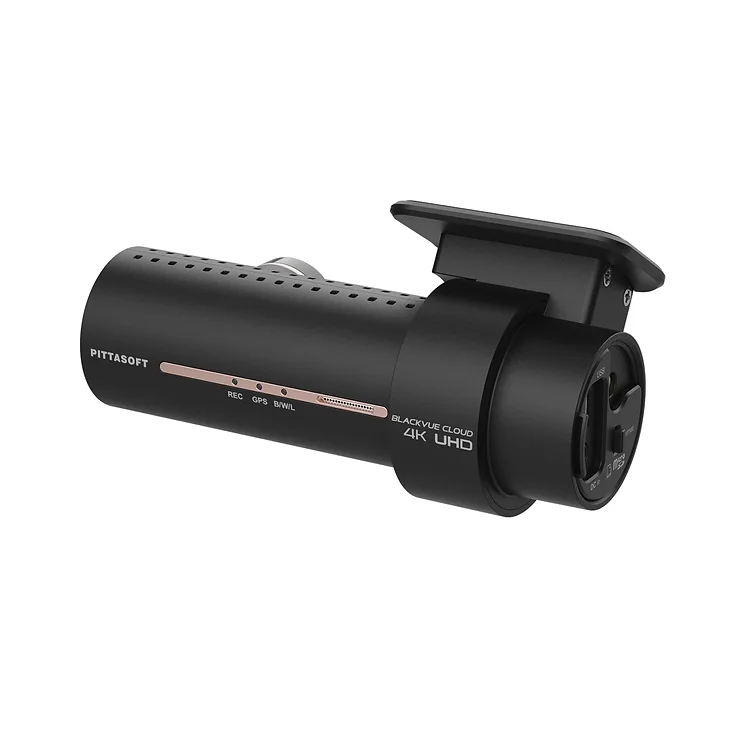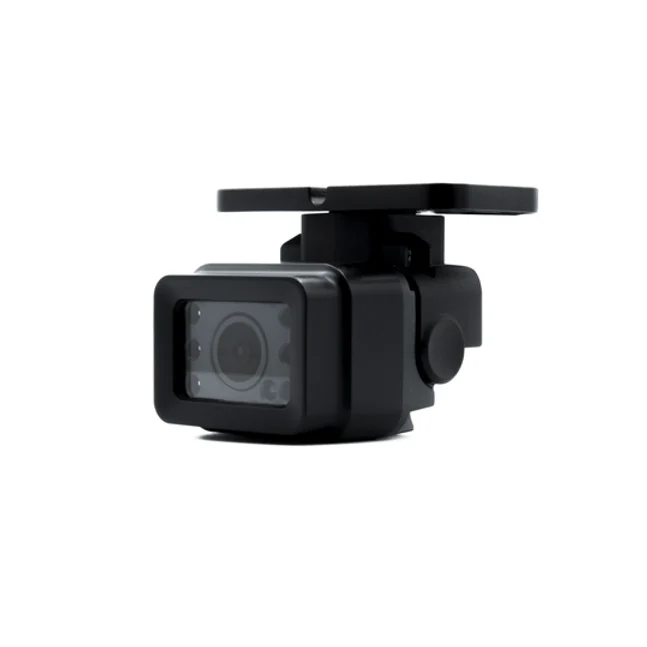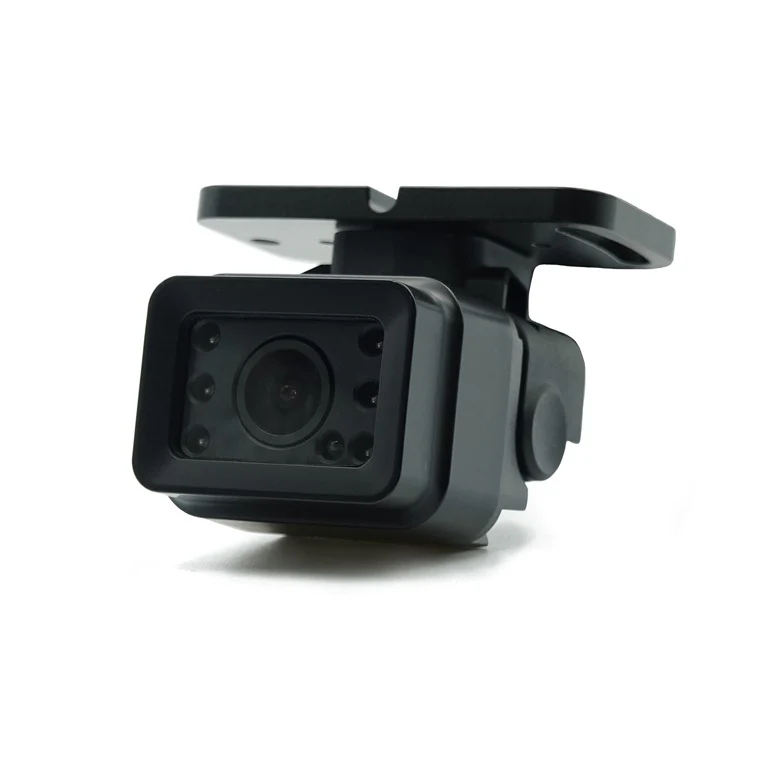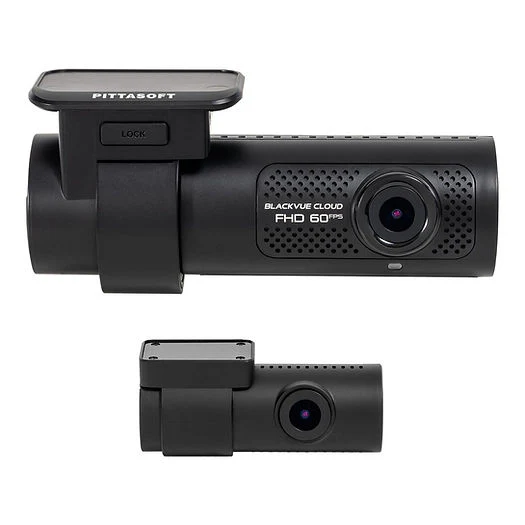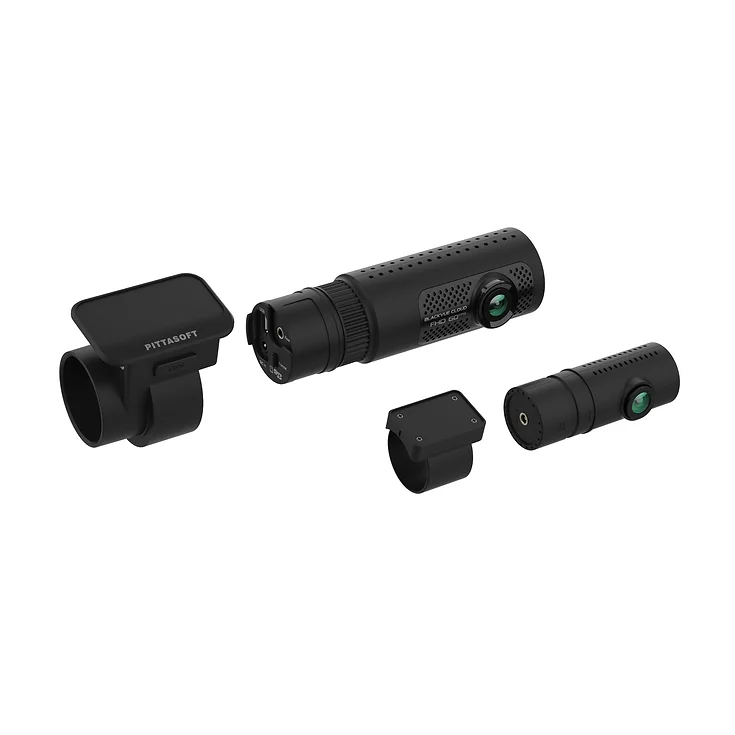

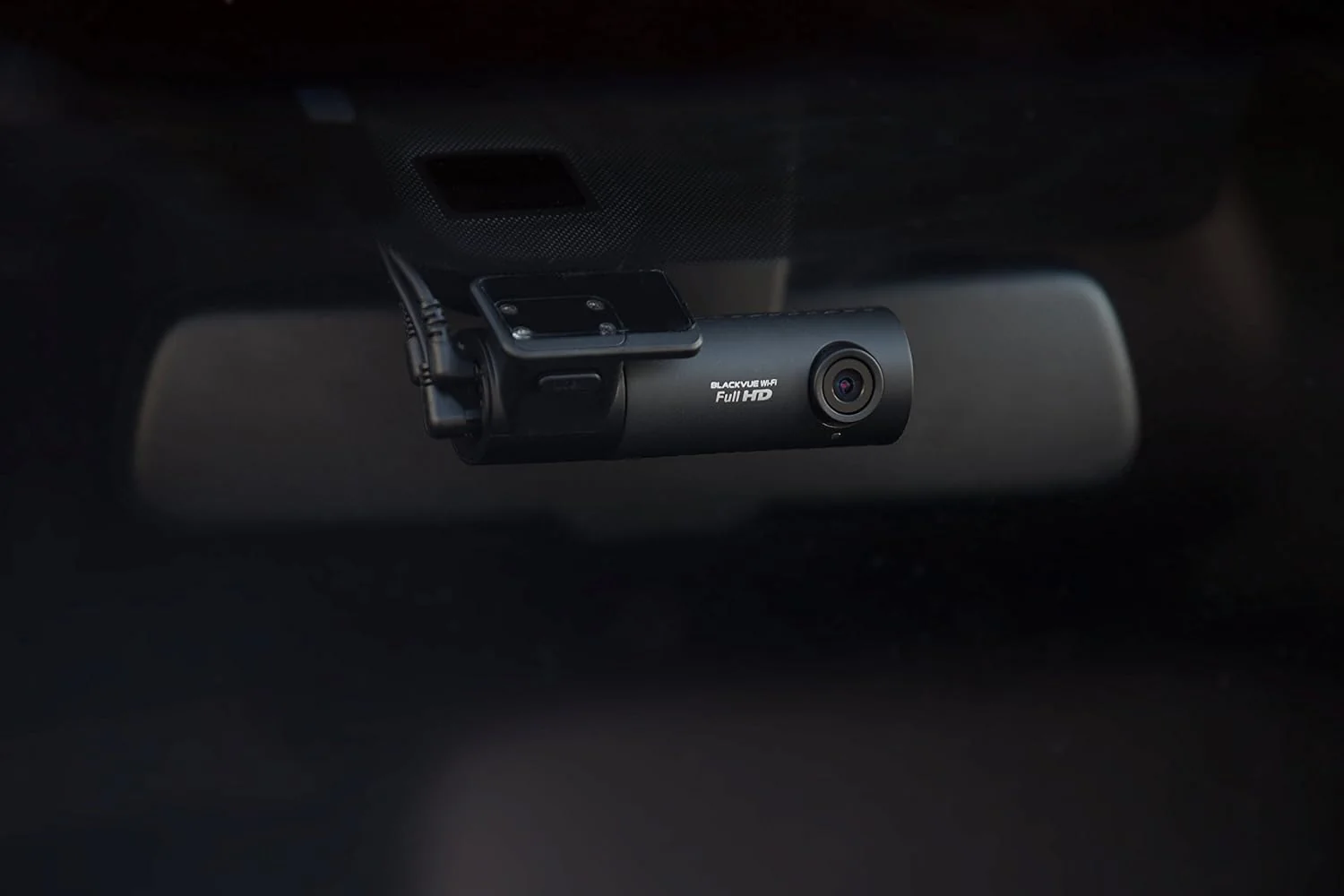
BlackVue DR590X-2CH-PL Dash Cam
Full HD 1080p front and rear @30fps:
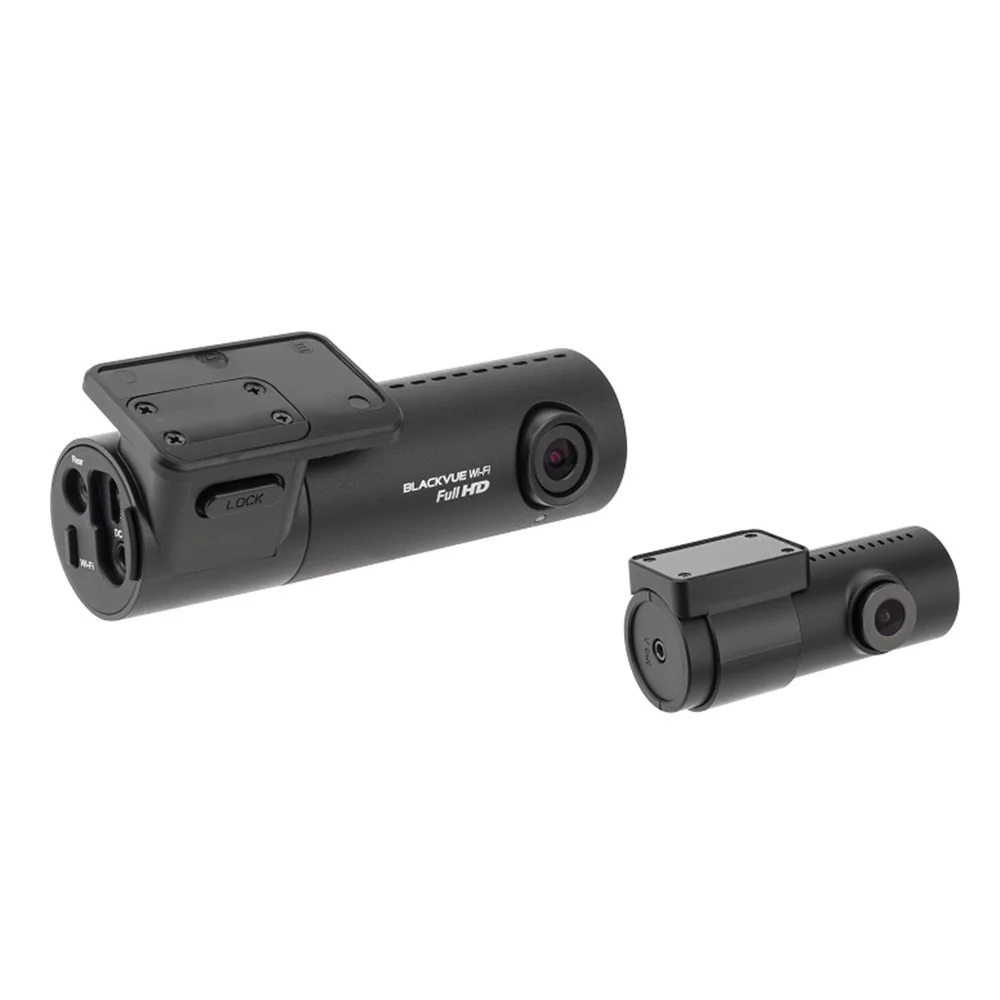
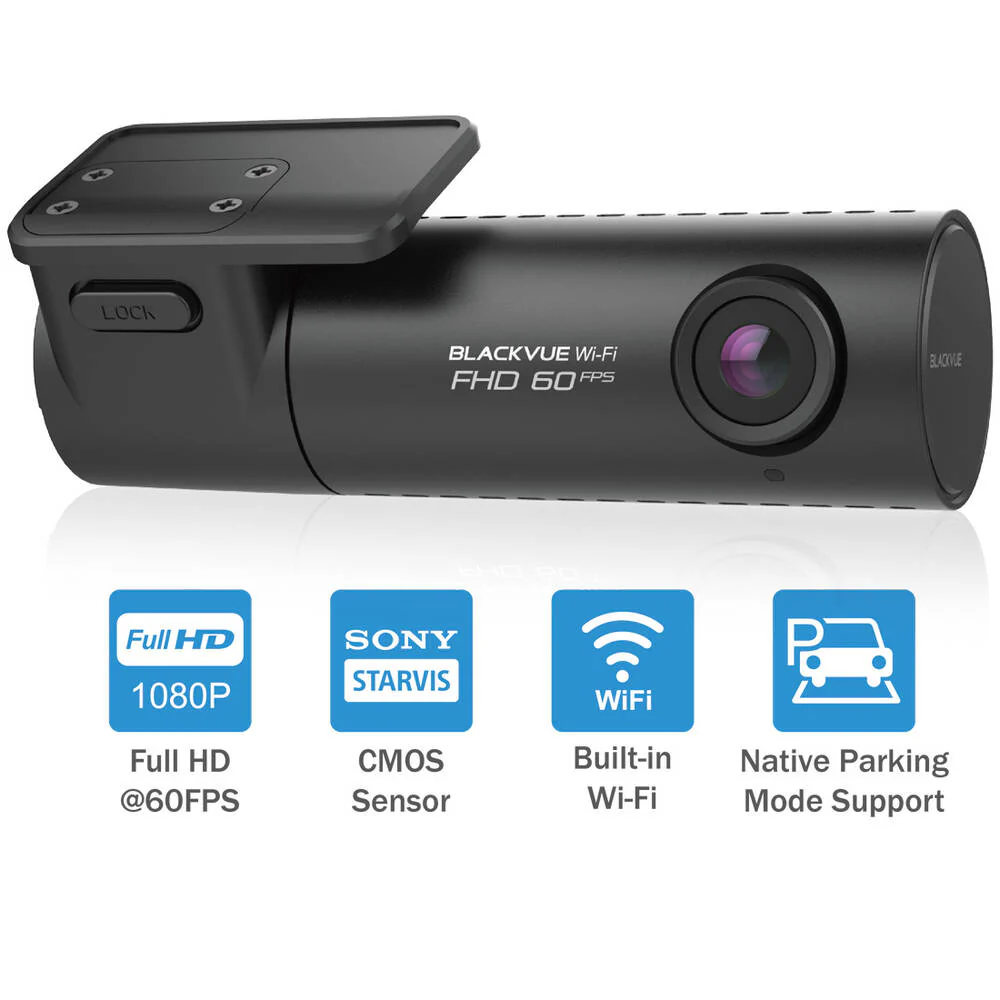
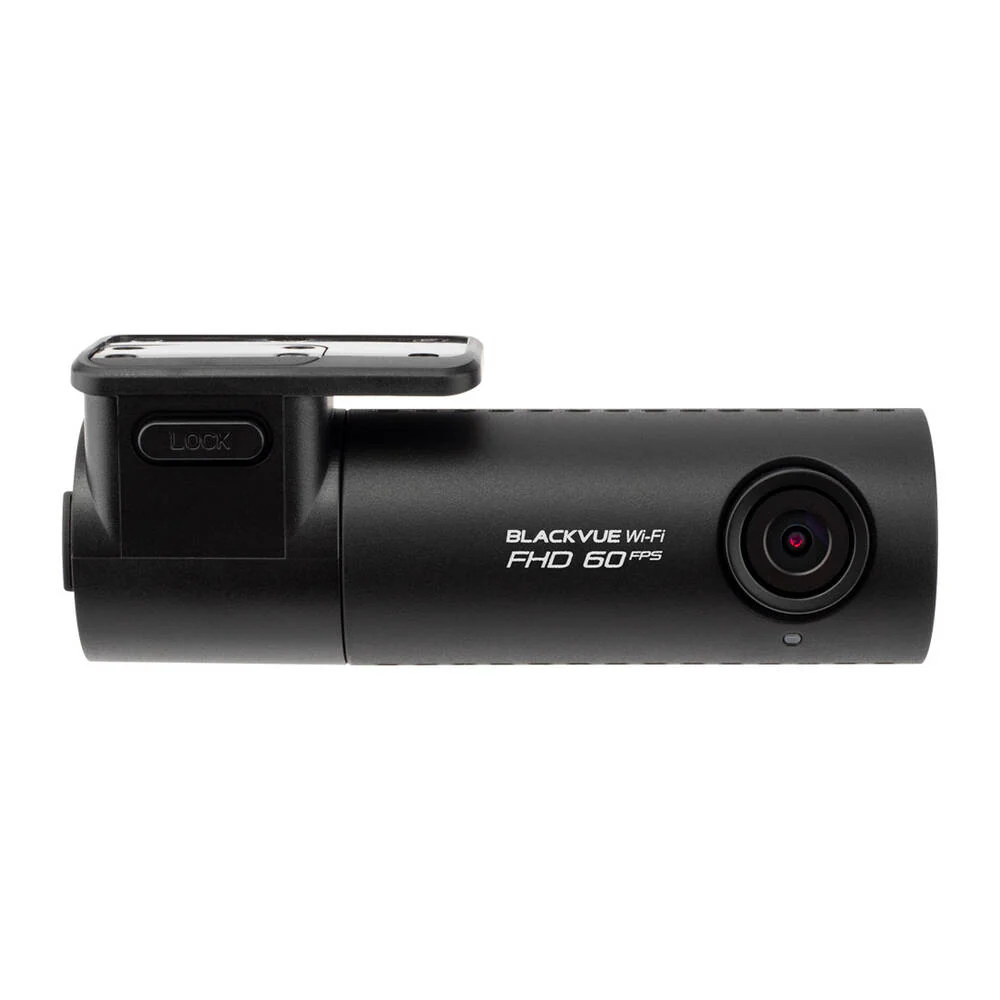
- The DR590X-2CH records Full HD 1080p videos of the front and back of your car at 30 frames per second, in a 139-degree wide view angle. With the front camera’s Sony STARVIS imaging sensor, you get awesome image clarity day and night.
Built-in Wi-Fi:
- Connect to your dashcam with the BlackVue App to adjust settings, check the view from the front and rear cameras or transfer files to your mobile device.
- Native Parking Mode
With Included Hardwiring Cable:
- DR590X can be hardwired to your vehicle’s fuse panel for Parking Mode with the included Hardwiring cable. The dashcam will switch to Parking Mode automatically when vehicle ignition is turned off. Voltage cutoff and timer can be set in the BlackVue App.
Parking Mode Accessories Support:
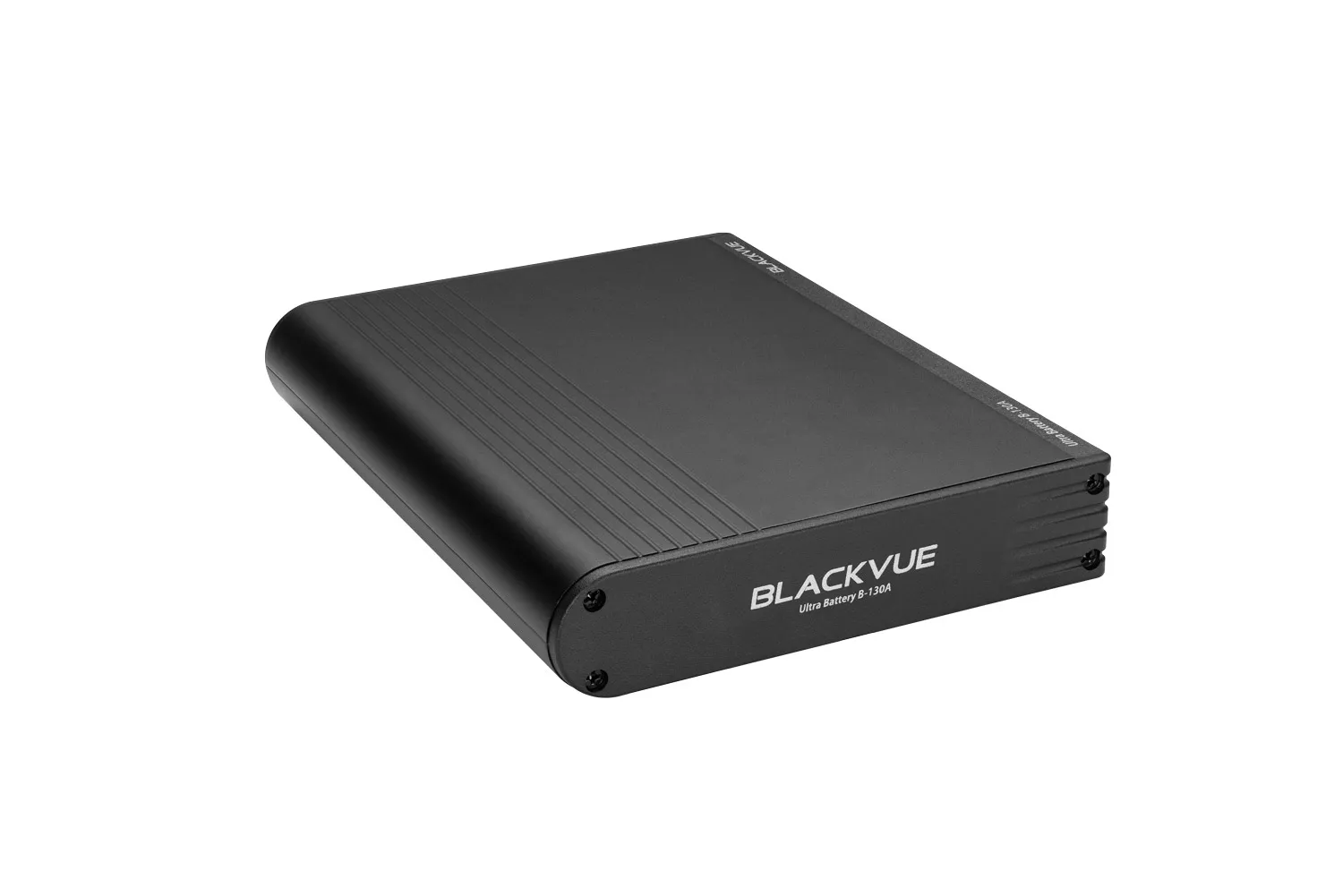
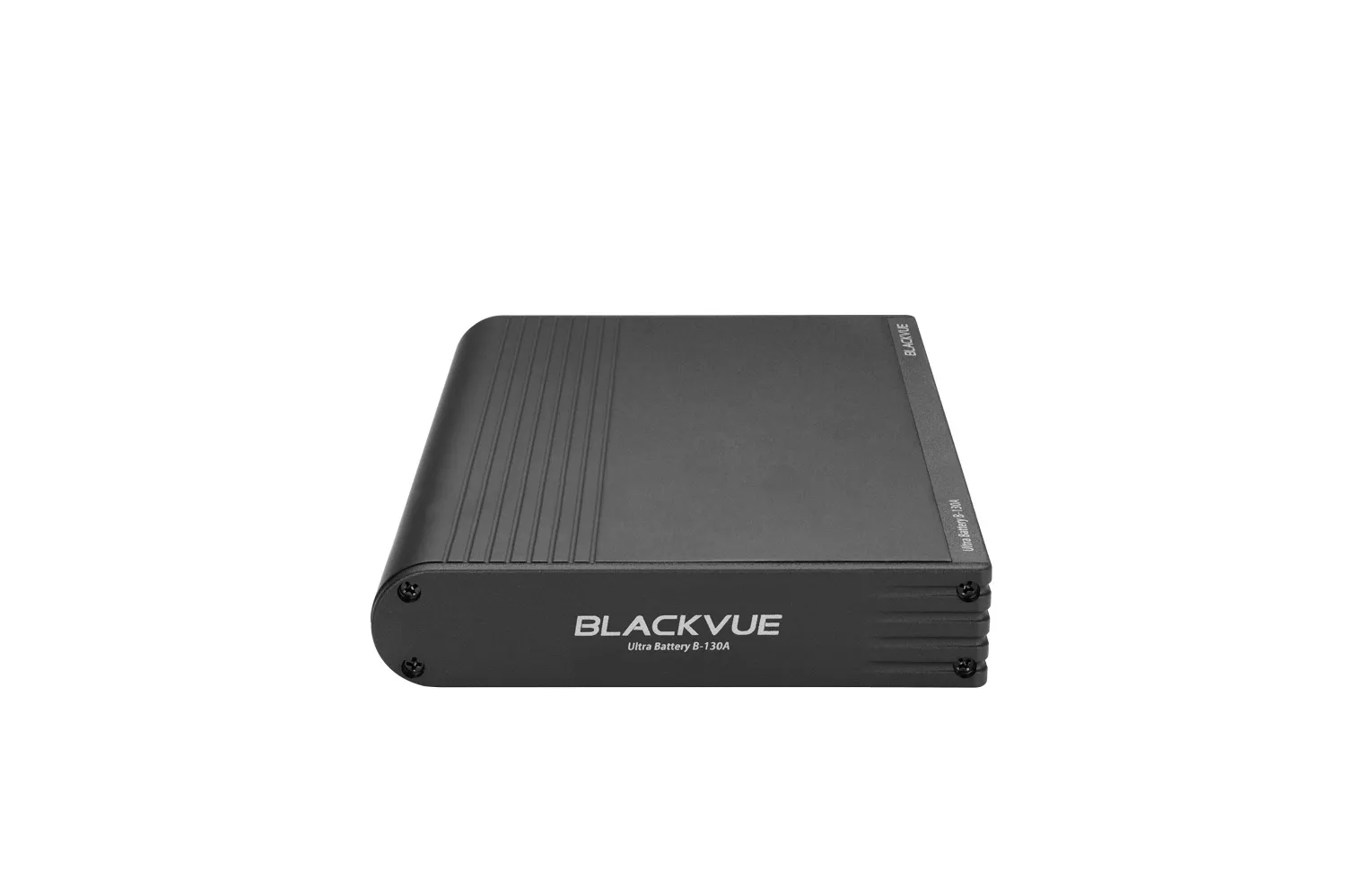
- R590X Series is also compatible with all BlackVue Parking Mode Kits and Batteries.
- Built-in Wi-Fi and Optional GPS
Built-In Wi-Fi:
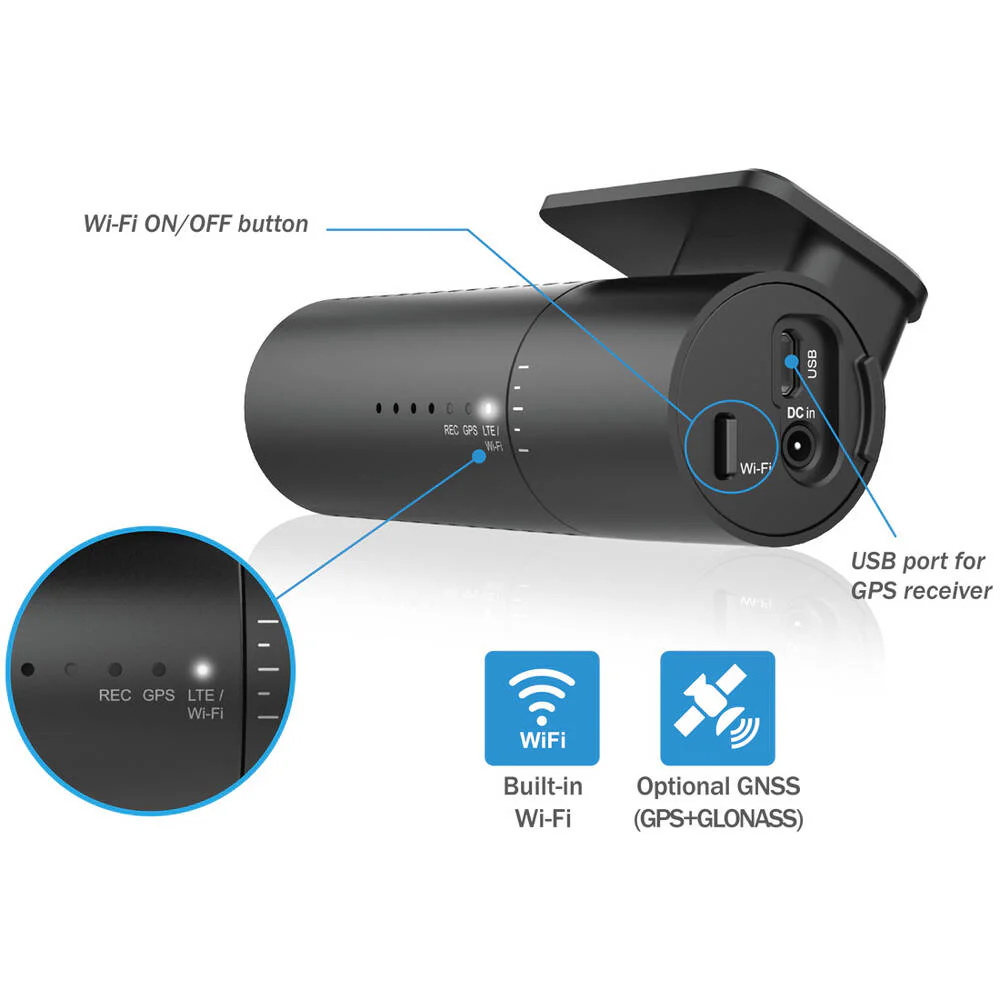
- The DR590X-2CH features built-in Wi-Fi to let you connect with the BlackVue App. A button lets you turn Wi-Fi on/off.
- Additionally, you can configure the Wi-Fi activation behaviour in the settings (Auto Turn On, Auto Turn Off).
USB Port:
- The USB port lets you connect a GPS receiver.
- Your videos are safe
Event Files Overwrite Protection:
- Dashcams record in a loop, overwriting older files when the memory is full. BlackVue can prevent Event files (triggered manually or by impacts) overwriting. Up to fifty (50) files can be protected this way. You can choose to allow new Event files to overwrite past Event files, thus keeping the latest fifty.
Adaptive Format-Free File Management:
- This BlackVue-developed file system improves recording stability and requires less microSD card formatting.
SD Card Failure Alert:
- Your BlackVue detects as soon as the microSD card fails and warns you with a "Please check SD card" voice alert.
- Built-in Impact & Motion Detection
Automatically Tags Important Files:
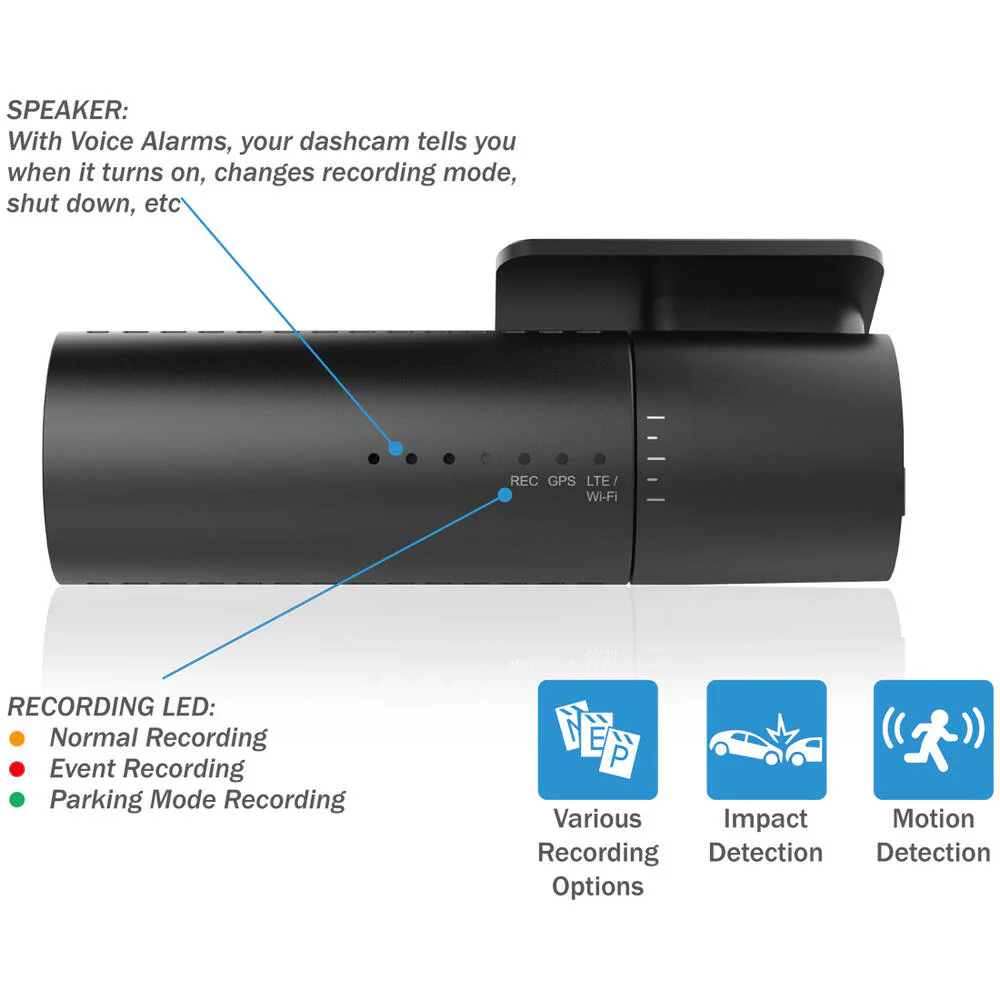
- While driving, your BlackVue detects impacts and sudden changes in speed. While parked, it also detects movements*.
Use the filters in the BlackVue App and Viewer:
- All videos are tagged (Normal, Event, Parking Mode motion or time lapse), so that you can easily find the relevant ones in the BlackVue Viewer for Windows and Mac OS or the BlackVue App for Android and iOS.
- Manage Videos Easily with the BlackVue App and Viewer
The BlackVue App (iOS/Android) and Viewer (Windows/Mac OS) are free to download and use.
Both allow you to change settings and review videos sorted by time and type (Normal/Event/Parking).
With the BlackVue App, connect via Wi-Fi to your dash?cam to retrieve videos on the spot.
Part number: DR590X-2CH-32
Original: $449.00
-70%$449.00
$134.70Product Information
Product Information
Shipping & Returns
Shipping & Returns
Description
Full HD 1080p front and rear @30fps:
- The DR590X-2CH records Full HD 1080p videos of the front and back of your car at 30 frames per second, in a 139-degree wide view angle. With the front camera’s Sony STARVIS imaging sensor, you get awesome image clarity day and night.
Built-in Wi-Fi:
- Connect to your dashcam with the BlackVue App to adjust settings, check the view from the front and rear cameras or transfer files to your mobile device.
- Native Parking Mode
With Included Hardwiring Cable:
- DR590X can be hardwired to your vehicle’s fuse panel for Parking Mode with the included Hardwiring cable. The dashcam will switch to Parking Mode automatically when vehicle ignition is turned off. Voltage cutoff and timer can be set in the BlackVue App.
Parking Mode Accessories Support:
- R590X Series is also compatible with all BlackVue Parking Mode Kits and Batteries.
- Built-in Wi-Fi and Optional GPS
Built-In Wi-Fi:
- The DR590X-2CH features built-in Wi-Fi to let you connect with the BlackVue App. A button lets you turn Wi-Fi on/off.
- Additionally, you can configure the Wi-Fi activation behaviour in the settings (Auto Turn On, Auto Turn Off).
USB Port:
- The USB port lets you connect a GPS receiver.
- Your videos are safe
Event Files Overwrite Protection:
- Dashcams record in a loop, overwriting older files when the memory is full. BlackVue can prevent Event files (triggered manually or by impacts) overwriting. Up to fifty (50) files can be protected this way. You can choose to allow new Event files to overwrite past Event files, thus keeping the latest fifty.
Adaptive Format-Free File Management:
- This BlackVue-developed file system improves recording stability and requires less microSD card formatting.
SD Card Failure Alert:
- Your BlackVue detects as soon as the microSD card fails and warns you with a "Please check SD card" voice alert.
- Built-in Impact & Motion Detection
Automatically Tags Important Files:
- While driving, your BlackVue detects impacts and sudden changes in speed. While parked, it also detects movements*.
Use the filters in the BlackVue App and Viewer:
- All videos are tagged (Normal, Event, Parking Mode motion or time lapse), so that you can easily find the relevant ones in the BlackVue Viewer for Windows and Mac OS or the BlackVue App for Android and iOS.
- Manage Videos Easily with the BlackVue App and Viewer
The BlackVue App (iOS/Android) and Viewer (Windows/Mac OS) are free to download and use.
Both allow you to change settings and review videos sorted by time and type (Normal/Event/Parking).
With the BlackVue App, connect via Wi-Fi to your dash?cam to retrieve videos on the spot.
Part number: DR590X-2CH-32