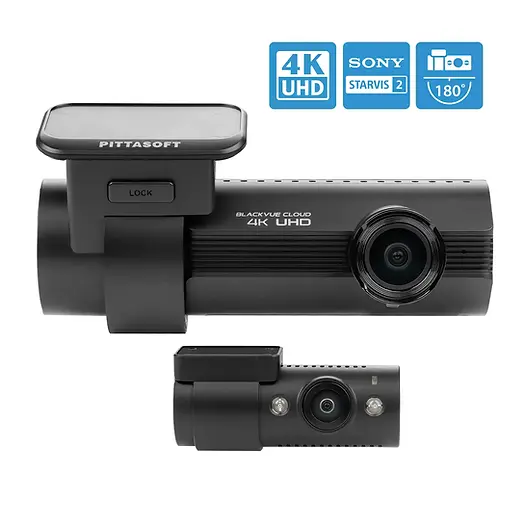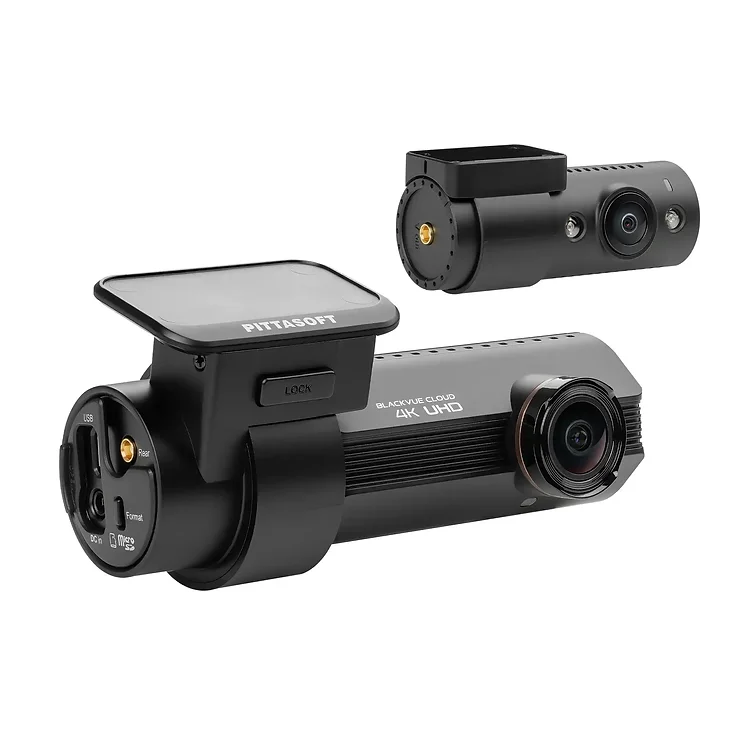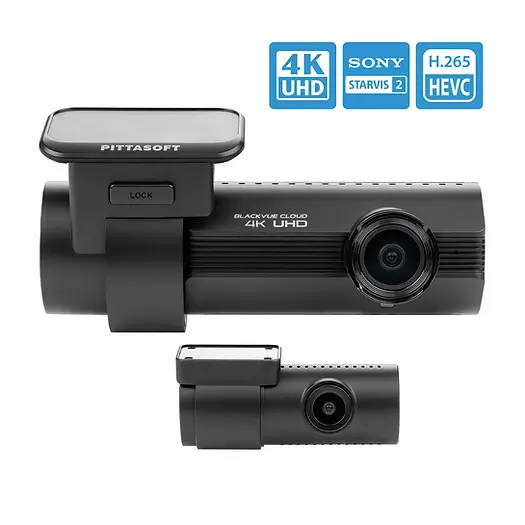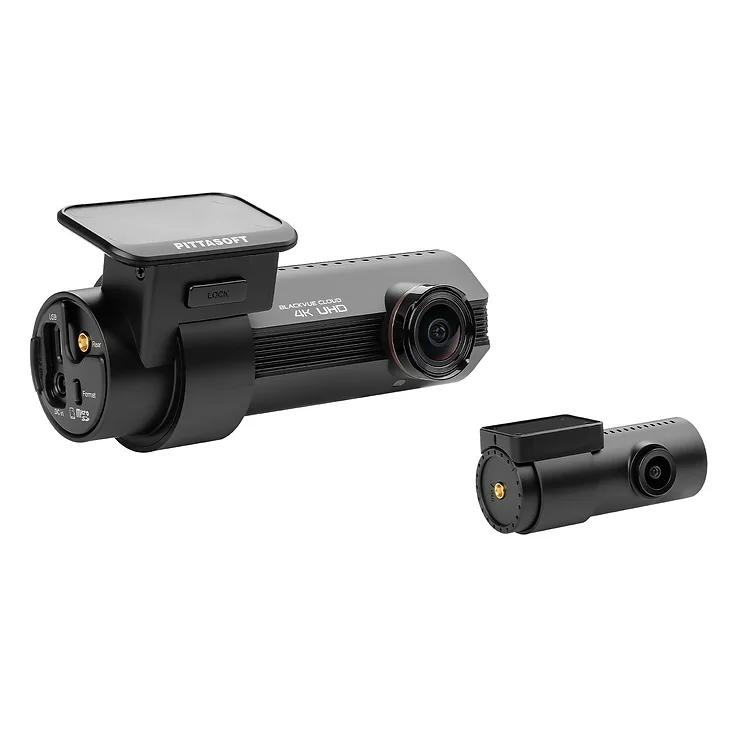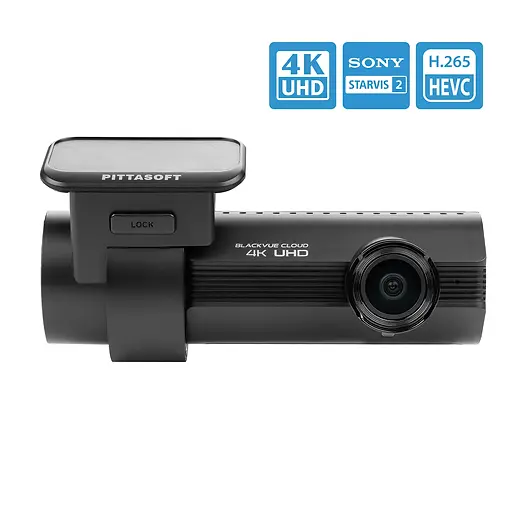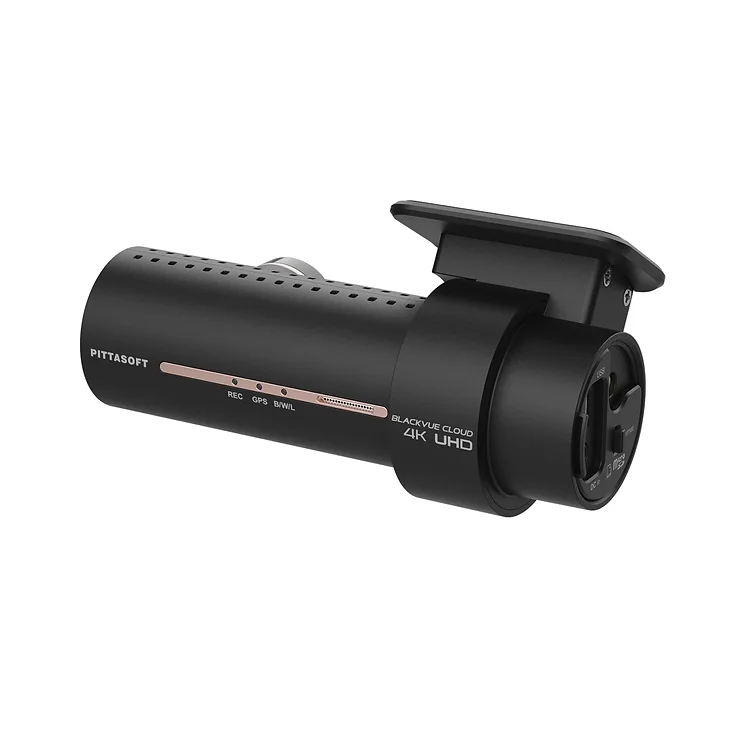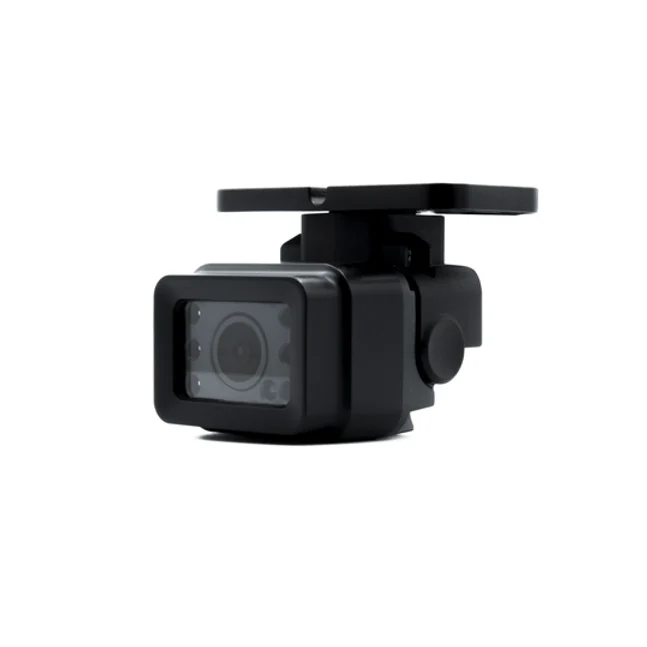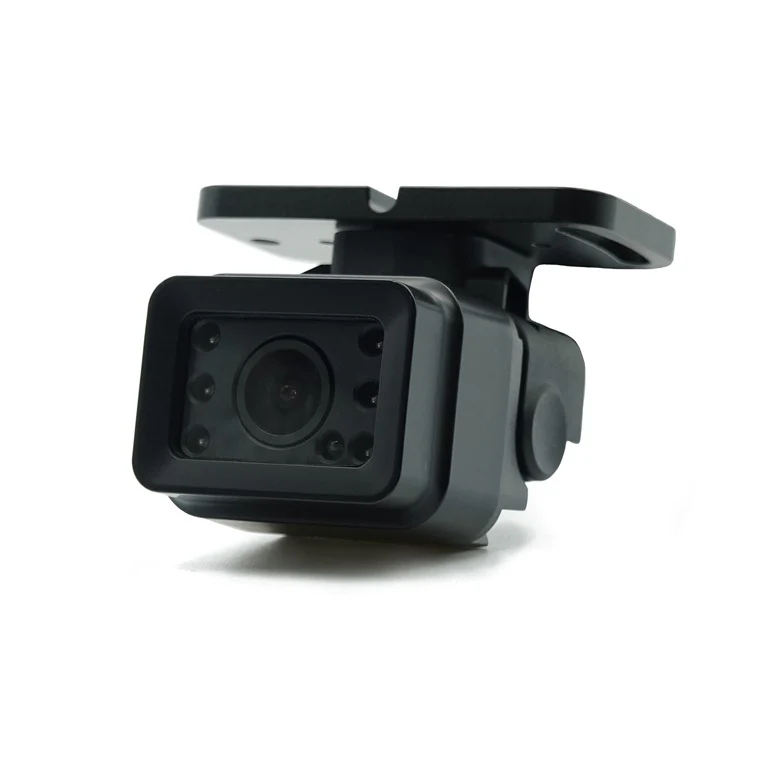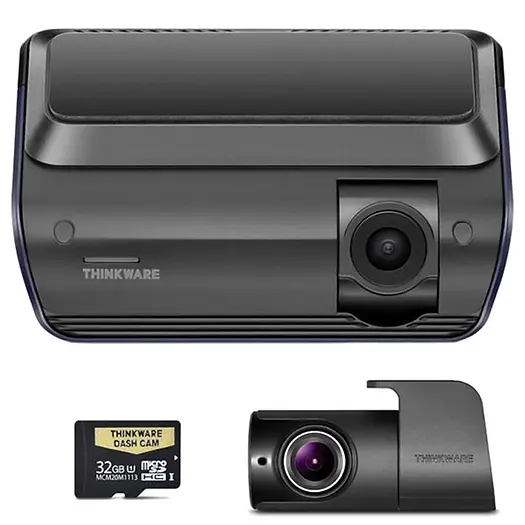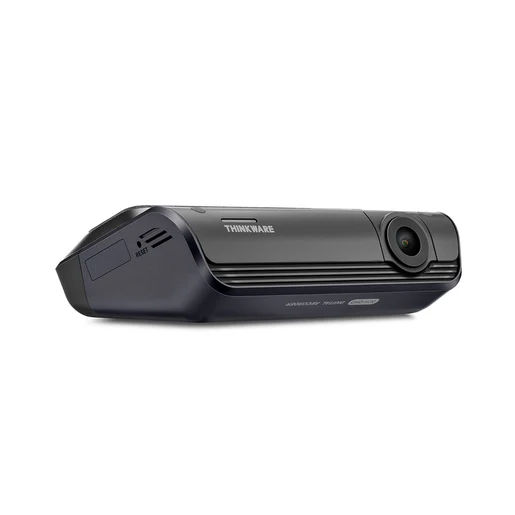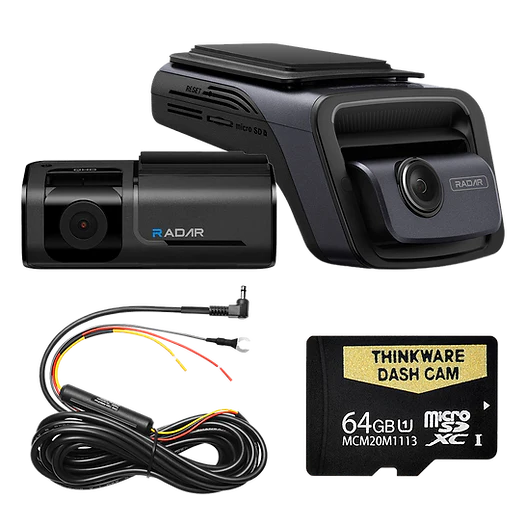

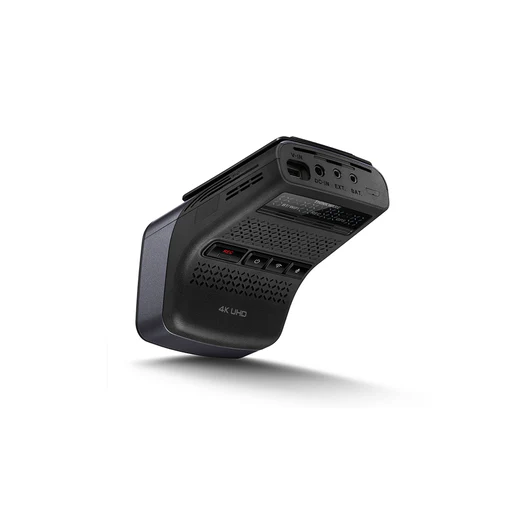

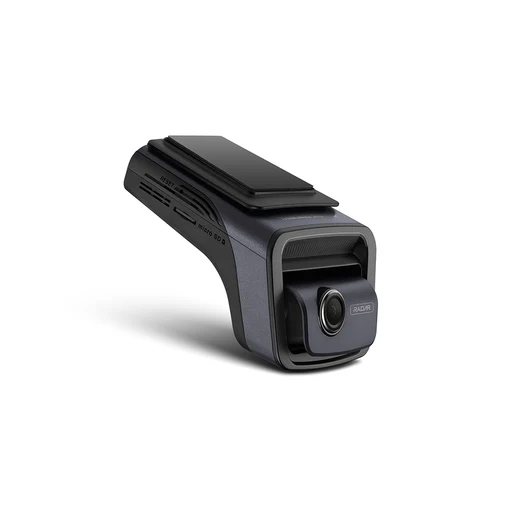
Thinkware U3000D 4K UHD Front + 2K QHD Rear Dash Cam-64gb
Introducing the New Thinkware U3000 Dash Cam, the ultimate companion for capturing your driving experiences with unparalleled clarity and advanced features. With its 4K Resolution and Dual RADAR Technology, this dash cam accurately records every moment.
ULTRA HIGH DEFINITION VIDEO QUALITY
Equipped with the latest Sony Starvis 2 IMX678 Image Sensor, you can record in crystal clear 4K 2160p UHD front and 2K 1440p QHD rear cam footage day or night at 30FPS. The 152° front and 128° rear wide-angle lens minimise blind spots to assure all events are recorded without fail.
4K IMAGE QUALITY
The greater the amount of data on the image displayed through the screen, the better the image quality. The U3000 provides a clearer image by adjusting the number of bits per second of recorded images stored
*Standard Option - 24Mbps / High Option - 30Mbps
DYNAMIC 2K AT 60FPS
U3000 also supports 2K QHD recording at 60 frames per second. High frame rate delivers both smoother and sharper image.
DUAL CHANNEL
U3000 also supports 2K QHD recording at 60 frames per second. High frame rate delivers both smoother and sharper image.
Wide Dynamic Range (WDR)
Whether you’re driving under bright sunlight, heading out of a tunnel or getting under the shadow of a tall building, among others, its WDR feature helps get you through a sudden change in frontal light exposure levels that yield excessively bright or dark recordings. WDR does this by getting rid of overly bright spots and correcting colour balance to produce nothing but clear images.
PARKING SURVEILLANCE MODE
New RADAR Parking Mode with Built-In RADAR
Radar Parking mode is a low-powered recording mode that utilizes the U3000’s built-in radar to monitor motion with minimal power consumption (requires hardwiring or OBD-II cable). This allows for longer buffered parking surveillance so you also have footage of events leading to an incident. When a motion or impact is detected, the U3000 will save a 20-sec video clip (10s before and 10s after the incident has been detected).
Instructions for remote view:
When using parking mode, you can check vehicle status notifications, such as Live View, parking impact notifications, the vehicle voltage status, the dash cam power status, vehicle battery status, and the recent parking location on the THINKWARE CONNECTED application depending on your service plan. • One of the following environments is required to use the THINKWARE CONNECTED application: - Android 7.0 (Nougat) or higher - iOS 11.4 or higher • The services and features provided by THINKWARE CONNECTED application may be changed according to the service policy. Refer to the THINKWARE website (https://www.thinkware.com) for more information. • Status of the vehicle while driving/parking • Vehicle battery voltage status • Dash cam power off • Driving history • SOS notification, recorded video backup, and SMS transmission • Driving impact notification, video backup, and SMS transmission • Parking impact notification and recorded video backup • Download and share the event location and recorded video • The captured image of the front camera during the most recent parking • Real-time vehicle location • Remote live view U3000 . • To use THINKWARE CONNECTED app, the dash cam needs to be connected to the Internet in THINKWARE DASH CAM LINK app • THINKWARE CONNECTED features are not available in the following Parking recording modes: - Energy Saving - Radar • Connecting the dash cam to a mobile hotspot device or a Wi-Fi network with Internet access will consume data. Carrier/Service Provider charges may apply. • The smartphone used to set up the Internet connection on the dash cam cannot also be used as a mobile hotspot for the dash cam. A different hotspot device/smartphone is required. • To connect the dash cam to the internet, use the THINKWARE DASH CAM LINK App. Once the dash cam is connected to the internet, you can go to the THINKWARE CONNECTED app to get access to CONNECTED features. (SPECIAL ENDS 31/07/2025)
Product Information
Product Information
Shipping & Returns
Shipping & Returns
Description
Introducing the New Thinkware U3000 Dash Cam, the ultimate companion for capturing your driving experiences with unparalleled clarity and advanced features. With its 4K Resolution and Dual RADAR Technology, this dash cam accurately records every moment.
ULTRA HIGH DEFINITION VIDEO QUALITY
Equipped with the latest Sony Starvis 2 IMX678 Image Sensor, you can record in crystal clear 4K 2160p UHD front and 2K 1440p QHD rear cam footage day or night at 30FPS. The 152° front and 128° rear wide-angle lens minimise blind spots to assure all events are recorded without fail.
4K IMAGE QUALITY
The greater the amount of data on the image displayed through the screen, the better the image quality. The U3000 provides a clearer image by adjusting the number of bits per second of recorded images stored
*Standard Option - 24Mbps / High Option - 30Mbps
DYNAMIC 2K AT 60FPS
U3000 also supports 2K QHD recording at 60 frames per second. High frame rate delivers both smoother and sharper image.
DUAL CHANNEL
U3000 also supports 2K QHD recording at 60 frames per second. High frame rate delivers both smoother and sharper image.
Wide Dynamic Range (WDR)
Whether you’re driving under bright sunlight, heading out of a tunnel or getting under the shadow of a tall building, among others, its WDR feature helps get you through a sudden change in frontal light exposure levels that yield excessively bright or dark recordings. WDR does this by getting rid of overly bright spots and correcting colour balance to produce nothing but clear images.
PARKING SURVEILLANCE MODE
New RADAR Parking Mode with Built-In RADAR
Radar Parking mode is a low-powered recording mode that utilizes the U3000’s built-in radar to monitor motion with minimal power consumption (requires hardwiring or OBD-II cable). This allows for longer buffered parking surveillance so you also have footage of events leading to an incident. When a motion or impact is detected, the U3000 will save a 20-sec video clip (10s before and 10s after the incident has been detected).
Instructions for remote view:
When using parking mode, you can check vehicle status notifications, such as Live View, parking impact notifications, the vehicle voltage status, the dash cam power status, vehicle battery status, and the recent parking location on the THINKWARE CONNECTED application depending on your service plan. • One of the following environments is required to use the THINKWARE CONNECTED application: - Android 7.0 (Nougat) or higher - iOS 11.4 or higher • The services and features provided by THINKWARE CONNECTED application may be changed according to the service policy. Refer to the THINKWARE website (https://www.thinkware.com) for more information. • Status of the vehicle while driving/parking • Vehicle battery voltage status • Dash cam power off • Driving history • SOS notification, recorded video backup, and SMS transmission • Driving impact notification, video backup, and SMS transmission • Parking impact notification and recorded video backup • Download and share the event location and recorded video • The captured image of the front camera during the most recent parking • Real-time vehicle location • Remote live view U3000 . • To use THINKWARE CONNECTED app, the dash cam needs to be connected to the Internet in THINKWARE DASH CAM LINK app • THINKWARE CONNECTED features are not available in the following Parking recording modes: - Energy Saving - Radar • Connecting the dash cam to a mobile hotspot device or a Wi-Fi network with Internet access will consume data. Carrier/Service Provider charges may apply. • The smartphone used to set up the Internet connection on the dash cam cannot also be used as a mobile hotspot for the dash cam. A different hotspot device/smartphone is required. • To connect the dash cam to the internet, use the THINKWARE DASH CAM LINK App. Once the dash cam is connected to the internet, you can go to the THINKWARE CONNECTED app to get access to CONNECTED features. (SPECIAL ENDS 31/07/2025)